Sakuga Code coming soon

Sakuga 2.0 · an open-source design system · MIT licensed · Coming soon

The frame around the art.

Sakuga is the design system AniCanon™ is built with: a place where people watch anime episodes and shorts, read manga and make their own. There, the artwork is the product. Sakuga frames it, gets out of the way, and never competes with it. Its tokens and components are opening up for anyone who builds around art.

Nika, from EBA. The controls under the picture are Sakuga’s IconButton and Scrubber, playing the real scene.
1accent, used small, for state and nothing else
2themes, light and dark, from one set of tokens
3token tiers: core, semantic and component
52core components, plus AniCanon’s Kit built on top
Why Sakuga existsOur purpose

Anime is made to be looked at. An interface around it should frame the picture and then step back. Sakuga keeps the chrome to type, a few controls and one small accent, so the first thing you see is the art.

sakuga noun, from anime fandom

The moments when the drawing itself becomes the show. This design system is named for them, and built to give them room.

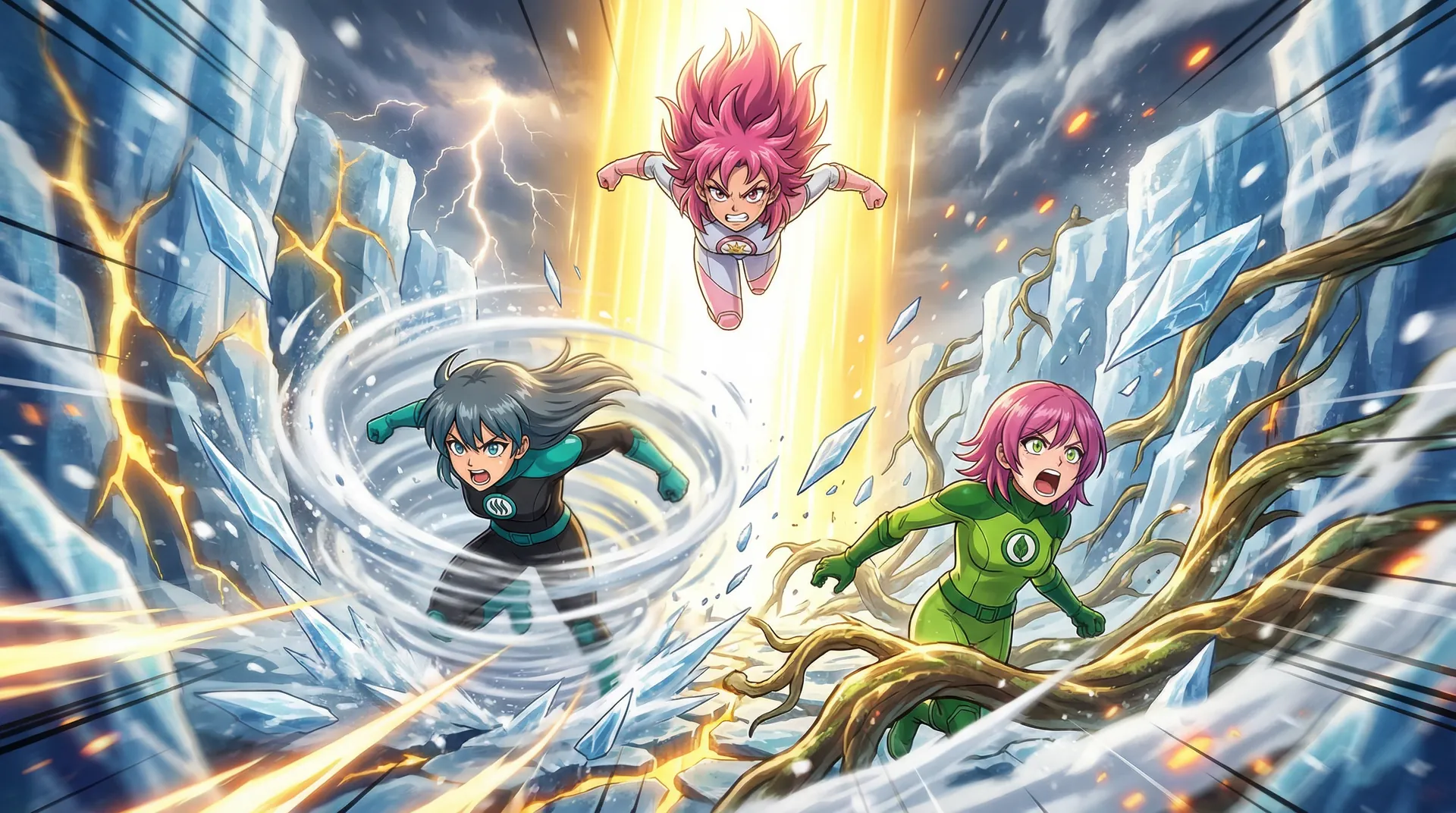
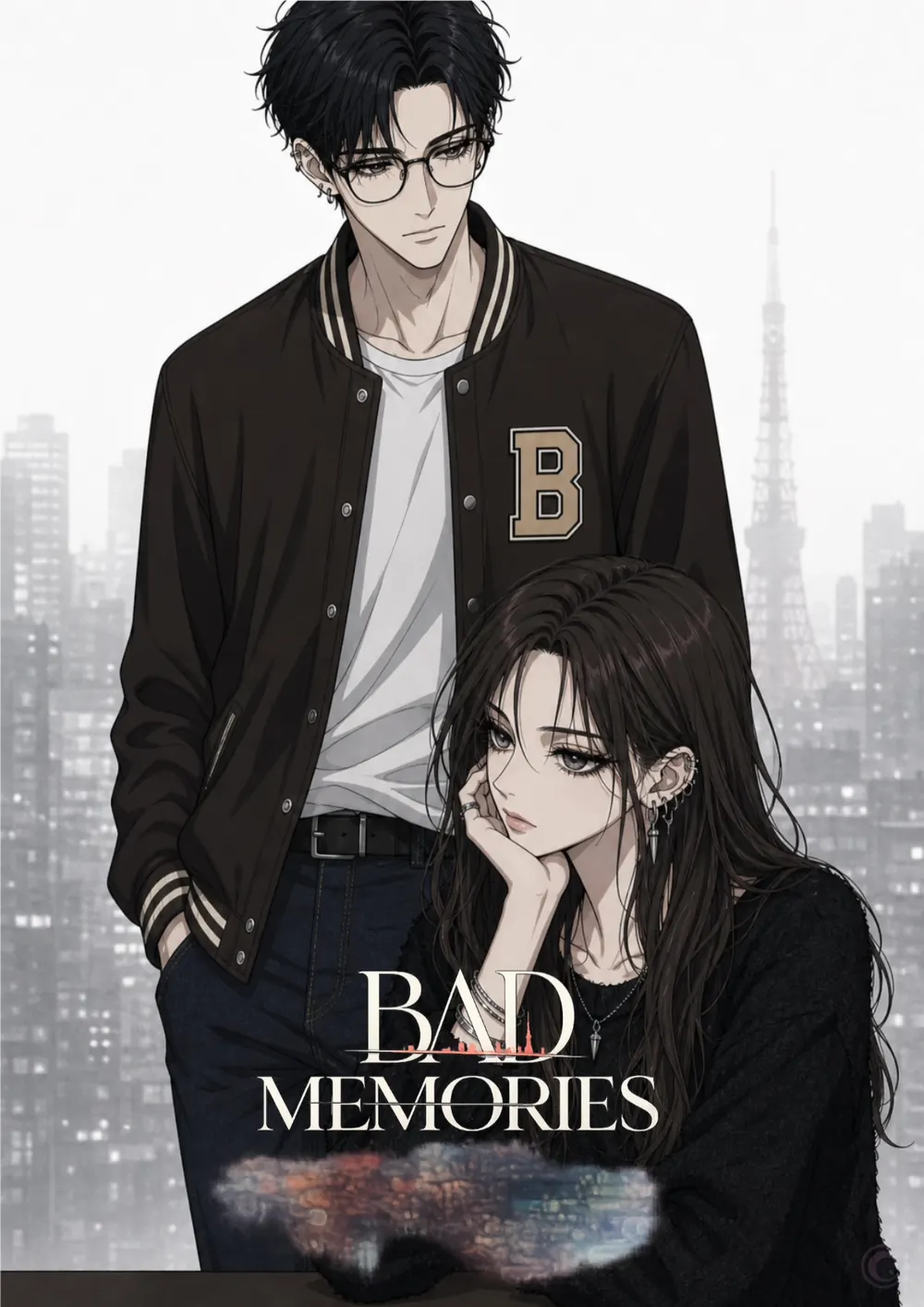
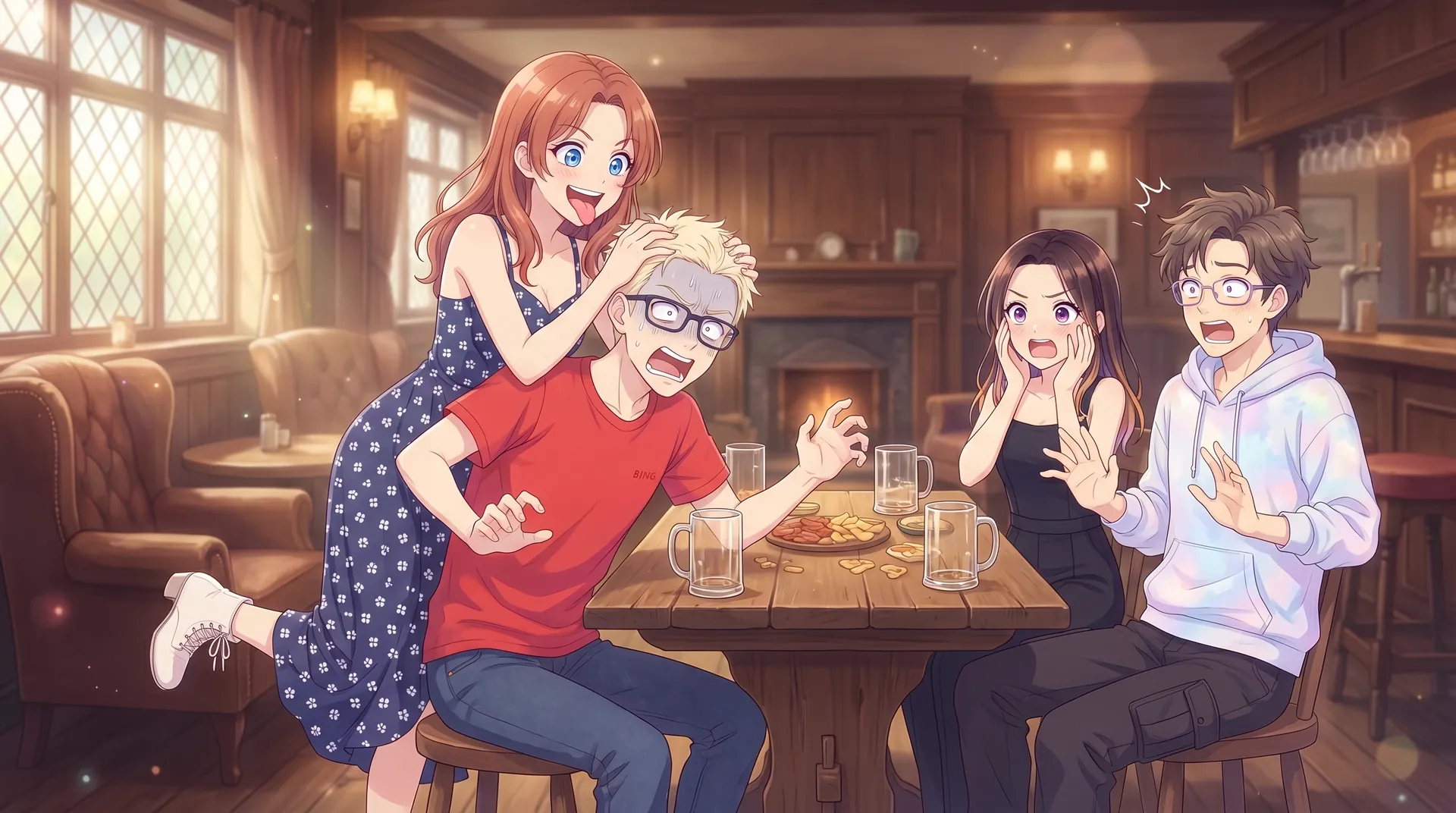
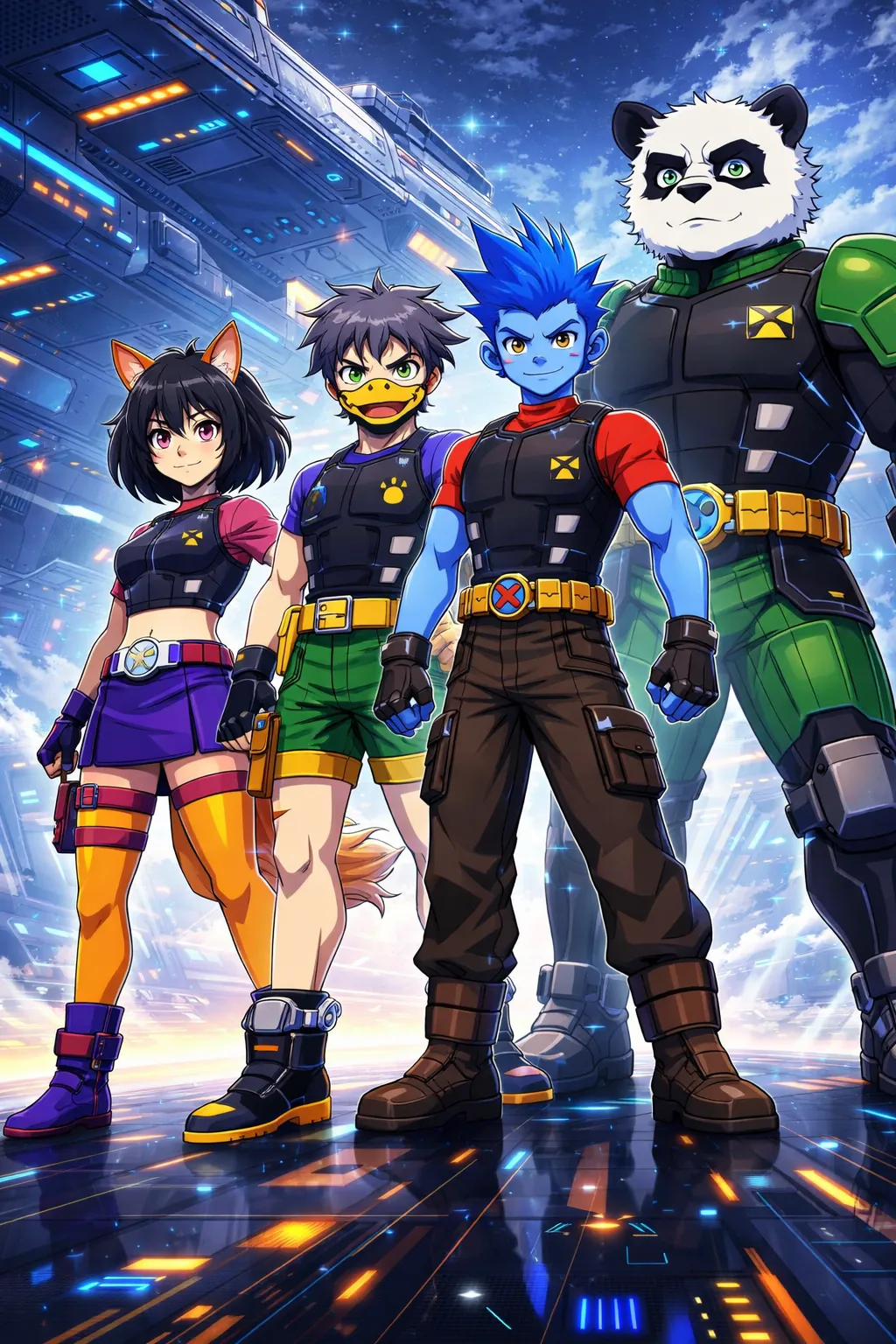
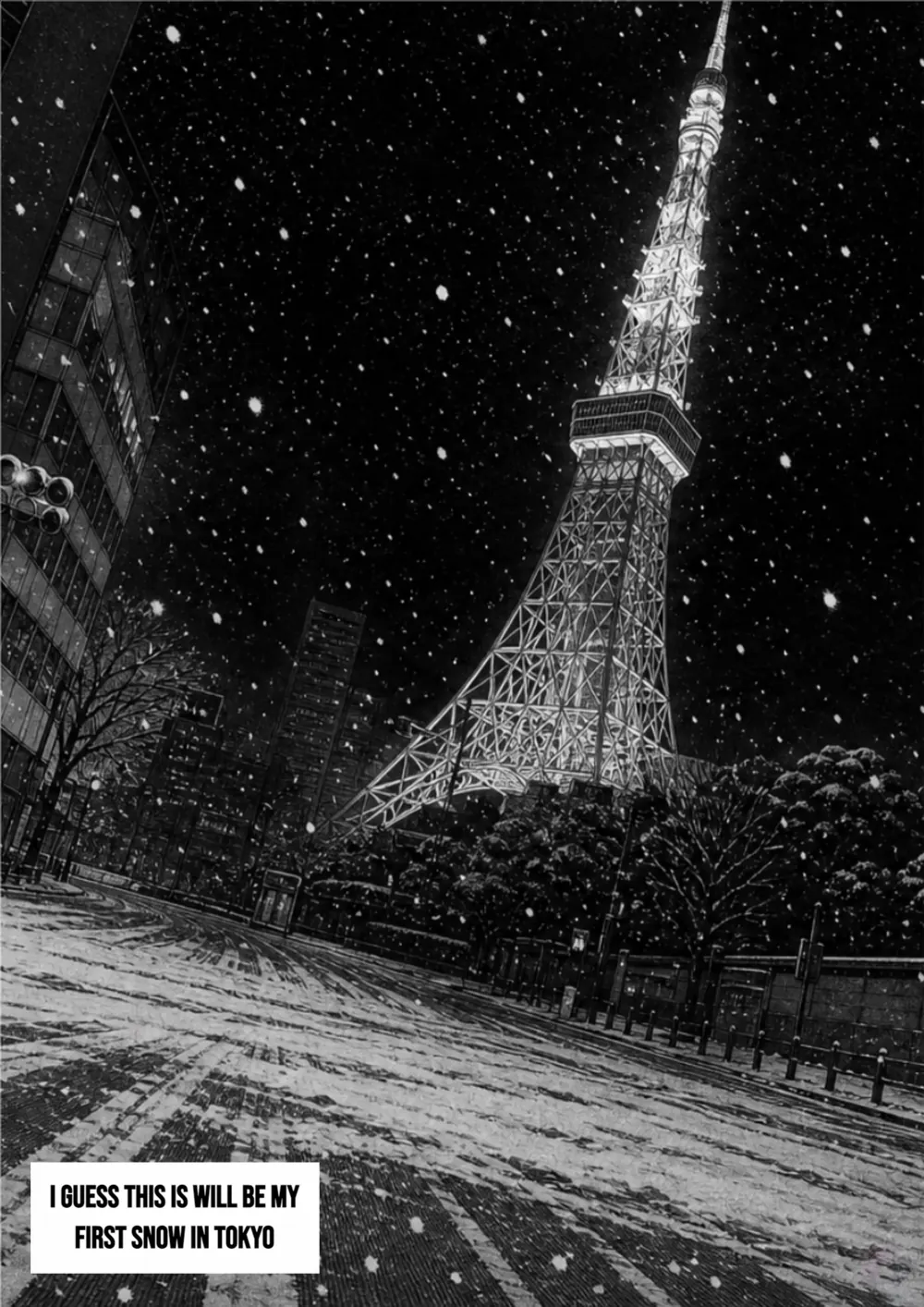
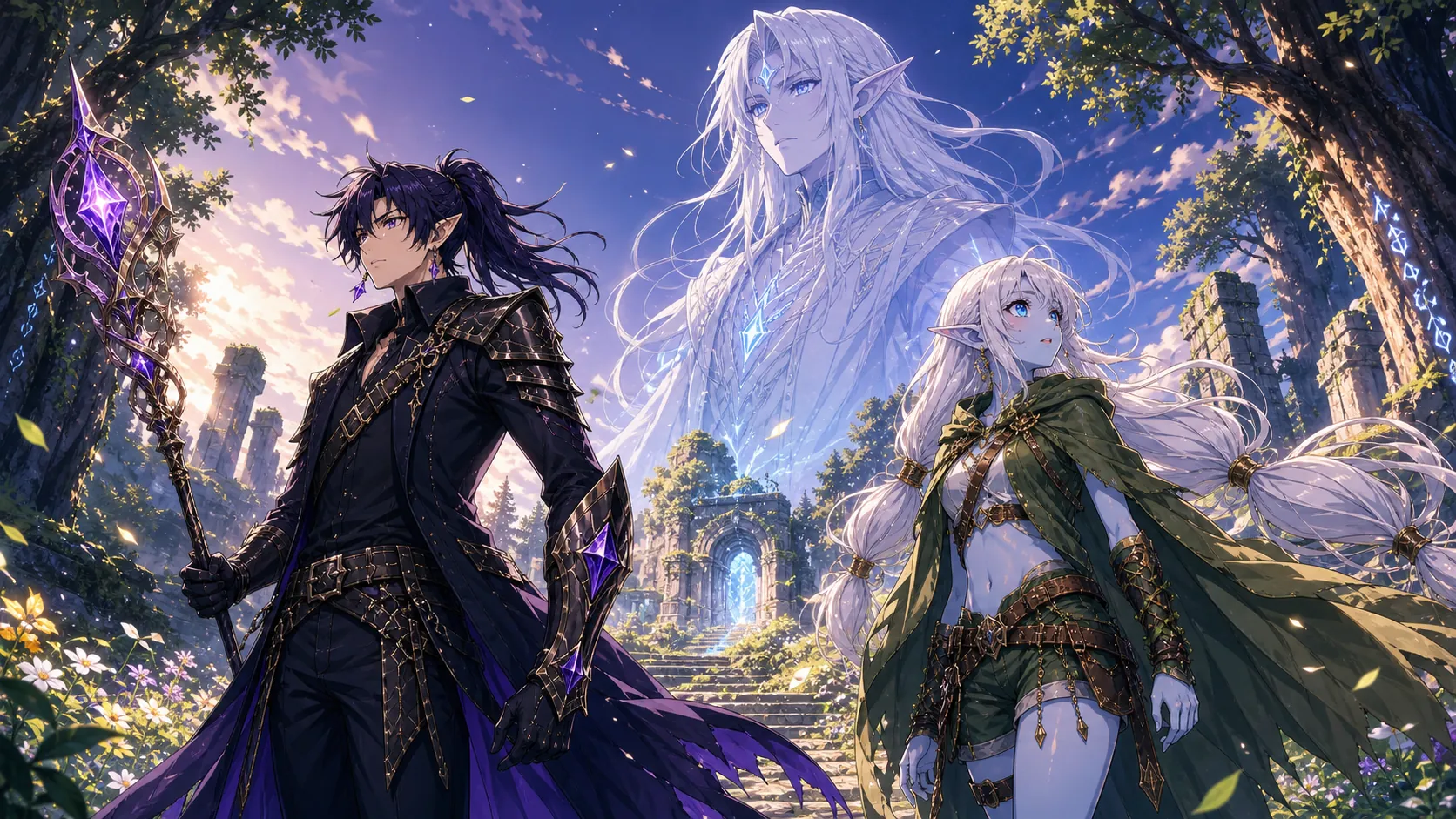
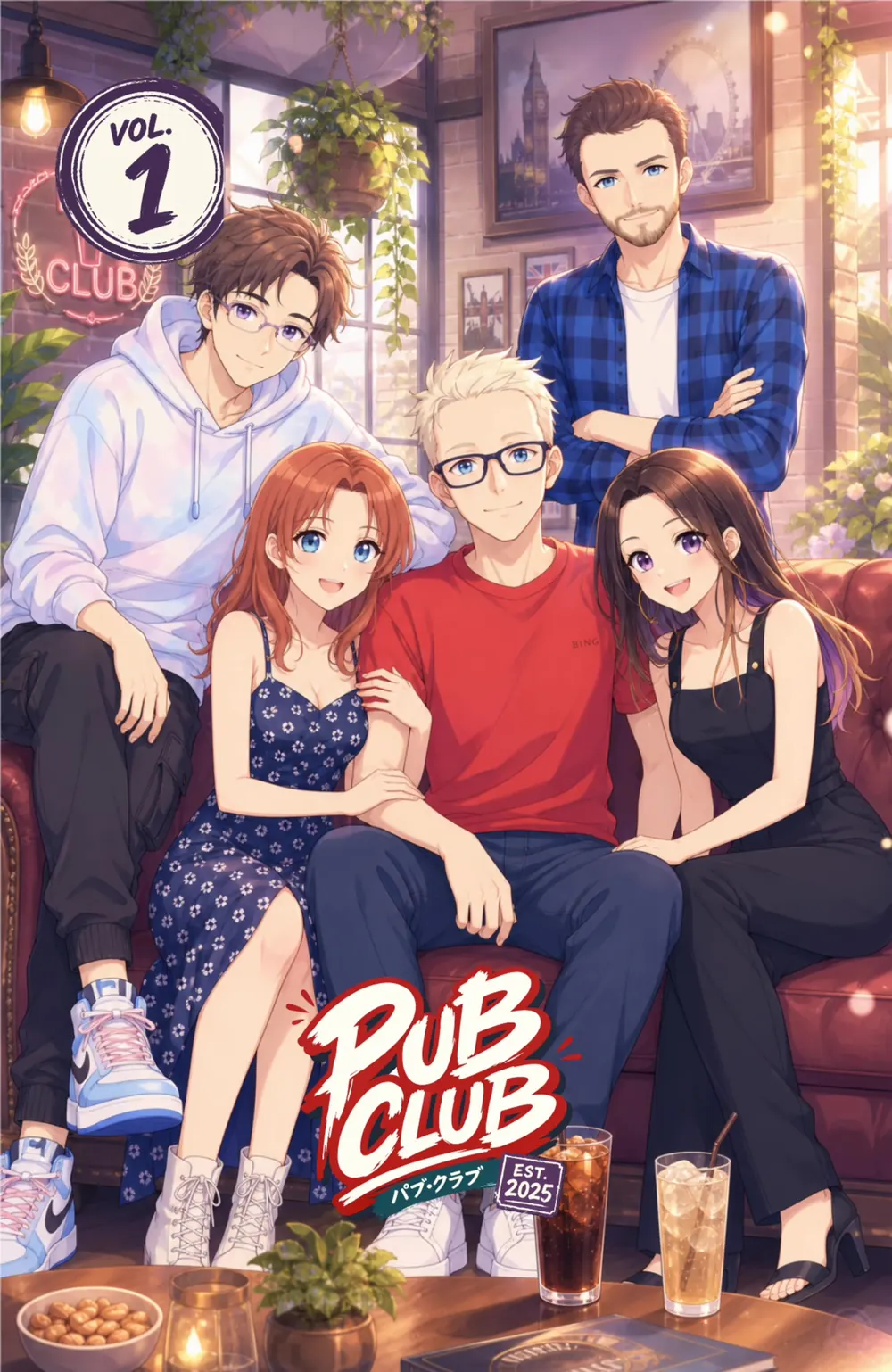
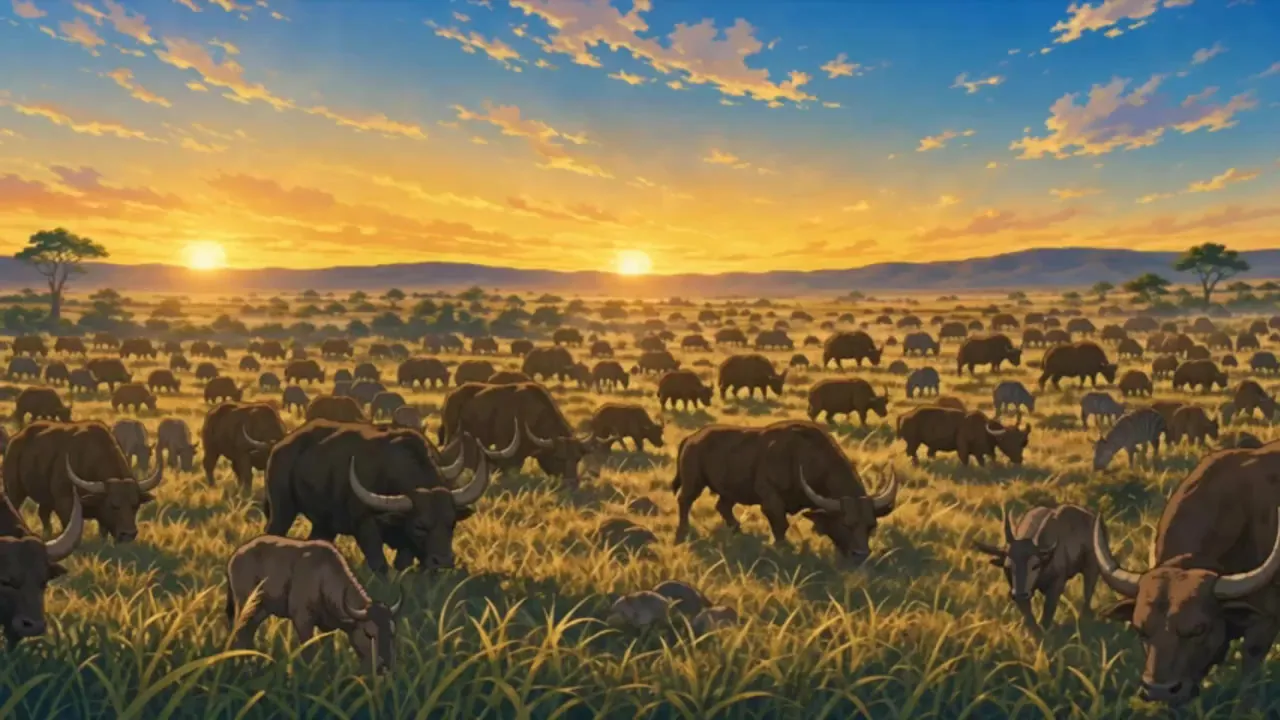
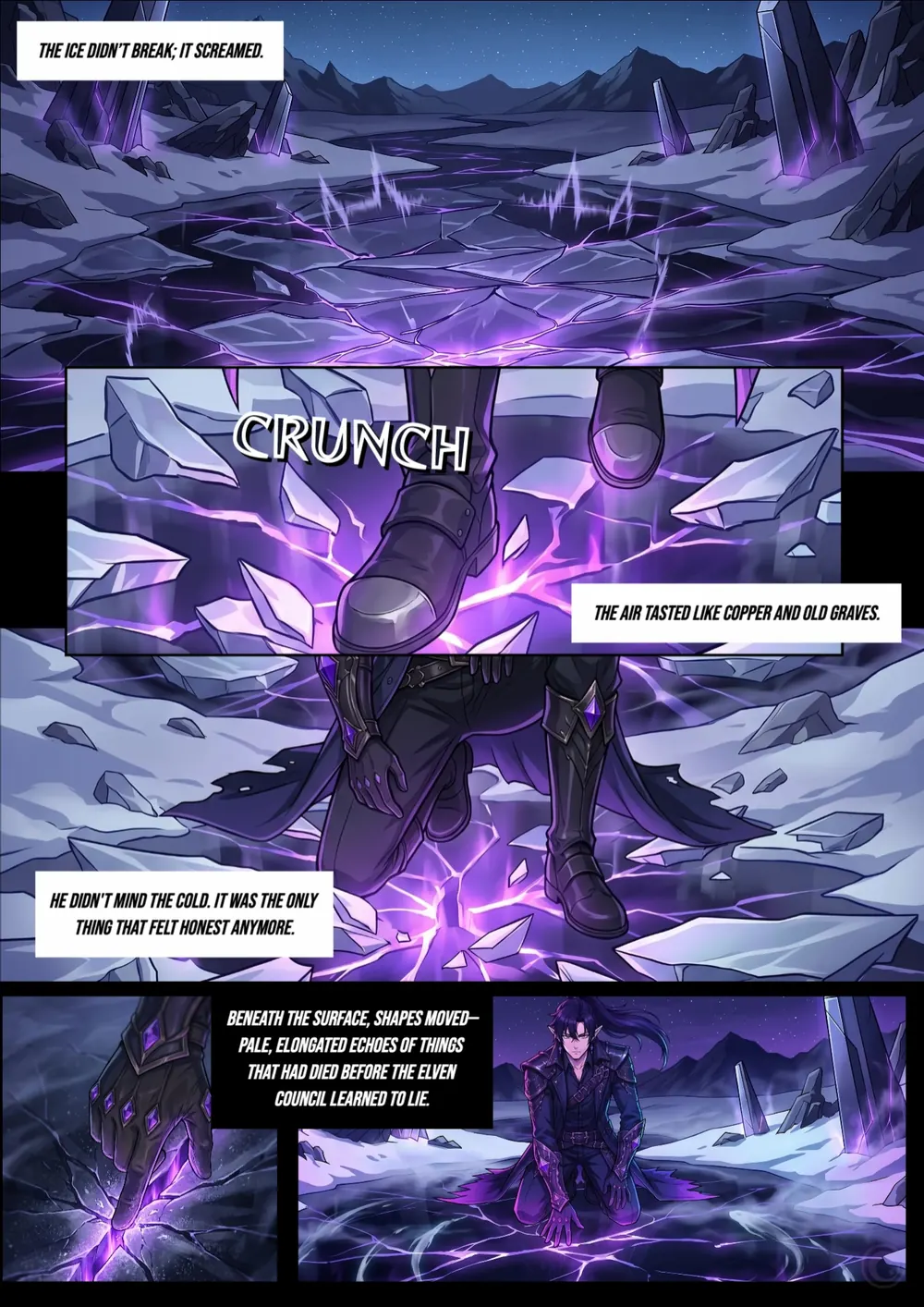
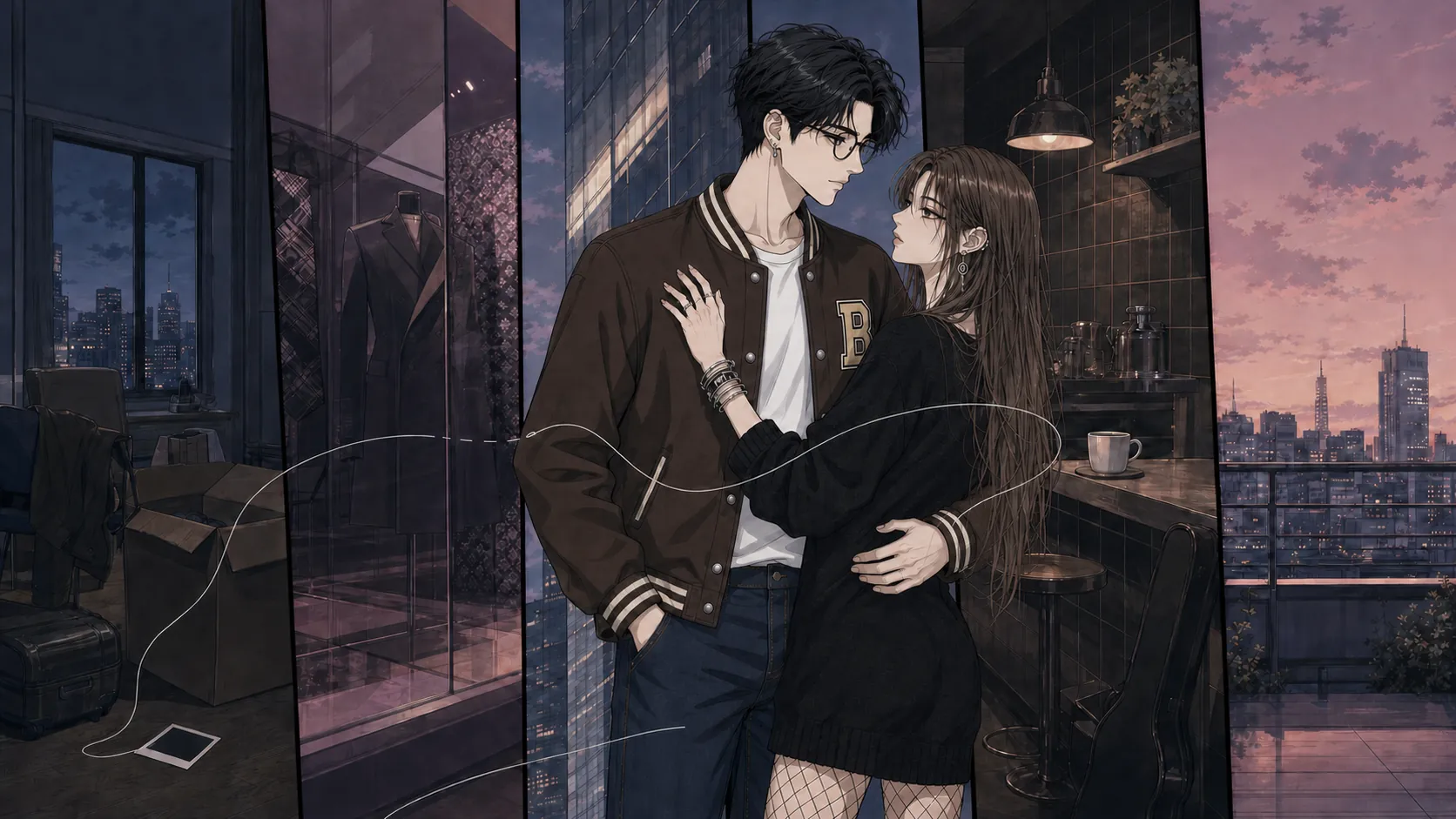
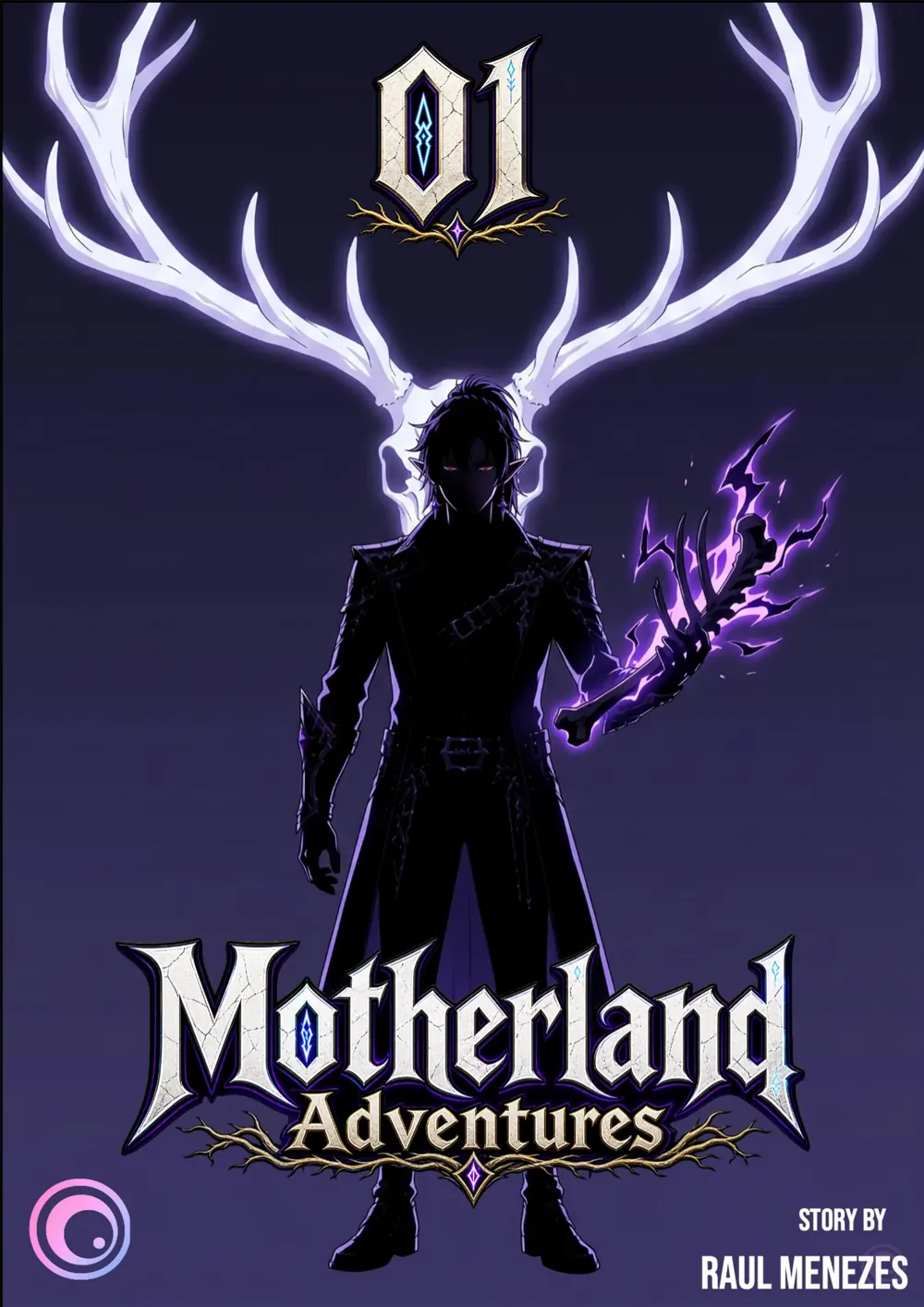
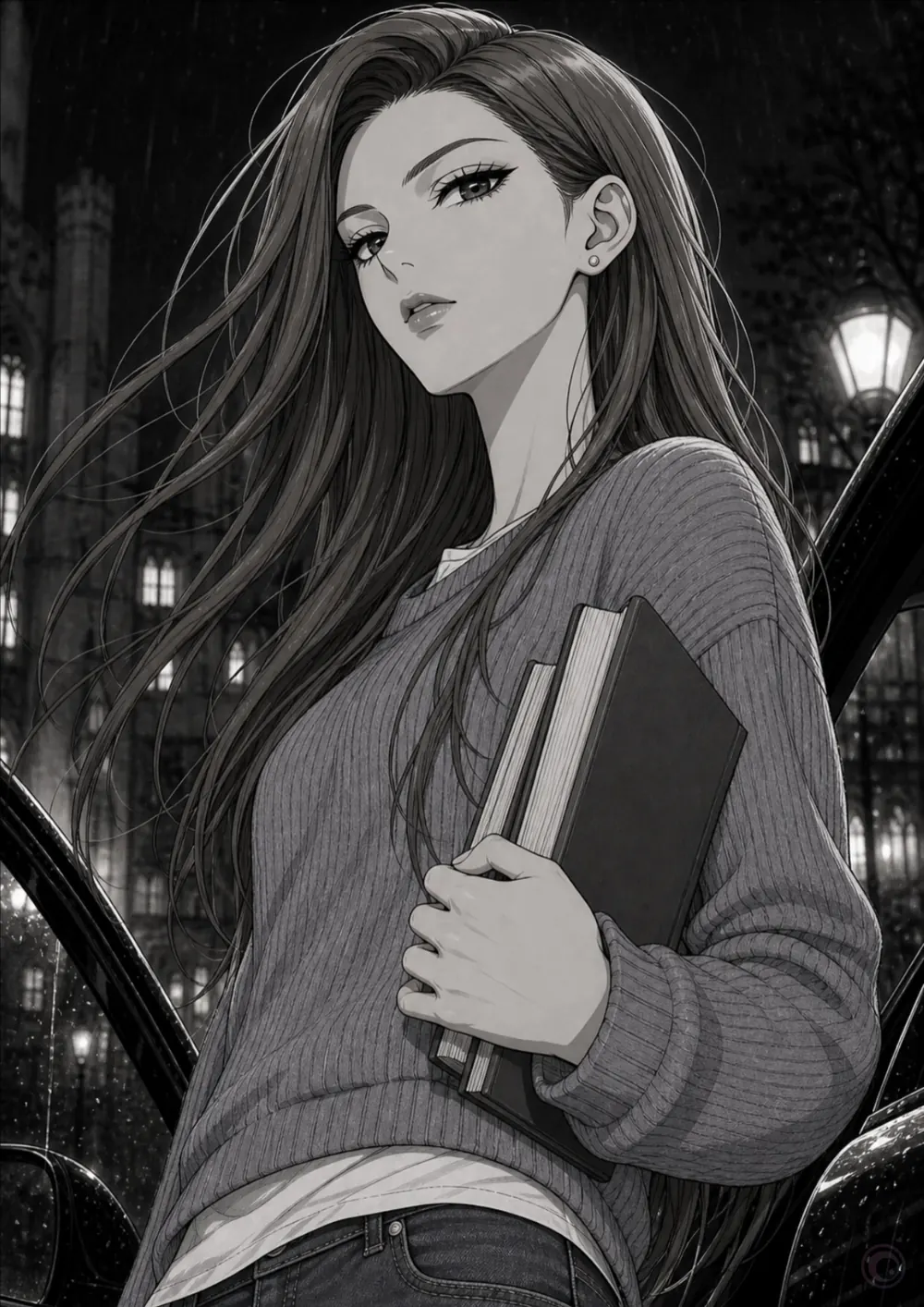
EBA key art: three heroes charge through a storm of light and ice. Bad Memories, The Winter: the cover, a couple against a snowy city. Pub Club key art: four friends laughing around a table in an old pub. Beta Attack Squad key art: the squad lined up, ready for a fight. Bad Memories, The Winter, page 5: Tokyo Tower in falling snow. Motherland Adventures key art: a dark-cloaked mage and two elves in a sunlit forest. Pub Club, volume 1: the cover, the five friends on a sofa. EBA, season 1, episode 1: a herd grazing on the savanna at sunset. Motherland Adventures, The Outcast, page 2: ice cracking under violet light. Bad Memories key art: a couple in an apartment at dusk, the city behind them. Motherland Adventures, The Outcast, issue 1: the cover. Bad Memories, The Winter, page 10: a student on a rainy street at night.

Art from EBA, Bad Memories, Pub Club, Beta Attack Squad and Motherland Adventures, the five series on AniCanon, in Sakuga’s frames: wide art at its own shape, manga pages kept as pages.

How Sakuga is madeThe film · 0:24

Built like anime.

Every screen is made the way an anime cut is: drawn, cleaned up, painted, then composited, the art first and Sakuga’s components laid over it as cels. This one runs from the first pencil line to the rest of the system.

The interface is Sakuga’s own components. The scene is EBA’s; the background behind Nika, the music and the sound were generated for the film.
What we believePrinciples, written as what we do

Eleven rules every screen keeps.

Each one is there to give the art its moment: three about how Sakuga looks, five about how it behaves and three about how it talks.

How it looksThe art

The art leads. The chrome stays light.

  • Key art, episode frames and manga pages run full-bleed. Around them sit type, a few controls and one small accent.
  • Every picture keeps its frame: 16:9 for an episode, 9:16 for a short, 1:1.414 for a manga page. One kind’s art never goes in another’s frame.
  • Titles and details sit under the art. On the picture go only a small label on a scrim, hero text on a legibility scrim, or the thing you are editing.

Components · MediaCard · EditorShell

Live: MediaCard, as an episode and as a manga issue.

How it looksThe accent

One accent, used small.

  • Camellia marks state: the current tab, played progress, the selected page, a liked heart.
  • It is never a large fill, and never a second brand colour beside another.
  • It comes deeper on light grounds and lighter on dark ones, so it reads in both themes.
  • Vermilion is not a second accent. It appears only where something can’t be taken back: deleting, or taking access away.

Tokens · accent, text-accent

EBA, season 1, episode 1: a herd grazing on the savanna at sunset.
Live: the Scrubber. Played time is the only camellia on the screen.

How it looksFlat colour

Flat colour, like a painted cel.

  • Surfaces are flat colour in three steps, canvas, surface and raised, the way a cel is painted in flat tones.
  • The art brings the depth and the light. The interface never imitates them with a glow or a coloured fill.
  • The one gradient is a scrim. It fades from the page colour so a title can sit on key art and stay readable.

Token · bg-scrim-art

EBA key art: three heroes charge through a storm of light and ice.

The Legacy of BloodSeason 1 · Episode 1 · 11:36

The one gradient Sakuga allows: a scrim so a title can sit on key art.

How it behavesActions

One main action per view.

  • The main action is a solid button in the strongest colour on the page: white on dark, ink on light.
  • The supporting action sits beside it on a quiet fill. Everything else is outline or plain.
  • Never two main actions side by side. A disabled one says why, in a line you can see.

Component · Button

Live: Button, as primary, secondary, outline and ghost.

How it behavesPhones

Native on every phone.

  • iOS gets Liquid Glass and Android gets Material You. The tokens and components are the same; the chrome follows each platform.
  • Glass is iOS only, and only for chrome that floats over content: bars, sheets and their buttons. Android never uses it; its chrome sits on tonal surfaces.
  • Nothing on a phone should feel like a web page shrunk down.

Components · TabBar · IconButton · Sheet

Bad Memories, The Winter, page 5: Tokyo Tower in falling snow, on iOS.

iOS · Liquid Glass

The same page on Android.

Android · Material You

The same page, the same buttons and the same four destinations. On iOS the chrome is glass: IconButton’s glass variant floats over the page and the live TabBar is a glass capsule. On Android there is no glass: a Material top app bar with plain IconButtons, and a navigation bar with a pill behind the current item, both on a tonal surface drawn with Sakuga’s tokens.

How it behavesFlows

One way out of every screen.

  • In a full-screen flow, the close button closes.
  • Back appears only when a step comes before this one. There is never a Cancel next to the close button.
  • The footer holds Back on the left and the one main action on the right.

Component · Stepper

Live: a flow’s top bar and footer, with IconButton, Stepper and Button.

How it behavesForms

Forms stack in one column.

  • The label sits above the field and the hint below it.
  • Fields stack one under another, with a hairline between groups.
  • One choice per screen: the options on top, and the chosen option’s form directly below.

Components · TextField · Select · OptionTiles

Live: TextField and Select.

How it behavesMotion

Smooth motion that steps aside.

  • Five durations and three easings. Things arrive slowing down, leave speeding up, and move between places on one standard curve.
  • Every control answers a touch: a press sinks and settles, a selection slides to the new choice, a sheet slides up and back down.
  • What you drag stays under your finger and never eases. Playback and the playhead run linear.
  • With reduced motion on, every move becomes a 100 ms fade, or nothing.

Tokens · motion-*, ease-*

instant100 ms
fast160 ms
base240 ms
slow360 ms
slower560 ms
Arrives on ease-enter, leaves on ease-exit.
The five durations, side by side. With reduced motion, the dots fade instead.

How it talksSections

Every section explains itself.

  • A heading names the shelf, and a line under it says what’s on it: “Shorts · videos under a minute”, “Places in the story”.
  • Metadata reads the way a viewer counts: “Season 1 · Episode 1 · 11:36”, “Premieres Friday · 21:00”, “2.4K”.
  • Facts are joined with a middle dot, never crammed into a sentence.

Component · SectionHeader

Live: SectionHeader, with the line that explains each shelf.

How it talksNames

Name the action, never a sparkle.

  • A button label says what happens: “Play S1 · E1”, “Remind me”, “Follow”.
  • A button with only an icon still has a name a screen reader says, such as “Share EBA” or “Next page”.
  • An assistant is shown by who it is. AniCanon’s copilot, Maki, appears as its mascot, never as a sparkle.

Components · IconButton · Maki

Maki

AniCanon’s copilot, drawn as itself

Live: Button and IconButton. Maki’s blink is its idle animation.

How it talksWords

Plain words, no jargon.

  • Short sentences in sentence case. No exclamation marks and no emoji.
  • Things are named the way viewers name them: episode, short, manga, issue, page, series, creator.
  • Internal words like clip, artifact or render stay out of sight, and so do model and provider names.
SayInstead of
EpisodeClip
PageArtifact
11:36696 seconds
Premieres Friday · 21:00Releases 2026-10-23T21:00
Play S1 · E1Start playback
Durations in m:ss, premieres as a day and a 24-hour time.
FoundationsWhat every screen is built from

Tokens first, three tiers deep.

Every colour, size and duration in Sakuga is a token. Core tokens hold raw values. Semantic tokens give a value its job. Component tokens give each part of a component its own name, so restyling one never moves another.

Colour, from raw value to role

Components never reach a raw value. Follow the accent from the core tier to the tab underline, and switch the theme to watch every semantic token change underneath.

Preview the tokens in
Corecamellia-600

#c2335f for light grounds, and camellia-400, #f4779f, for dark ones.

Semanticaccent

The single accent: active nav underline, played progress, the selected page, a liked heart.

Componenttopnav-indicator

The underline under the current link in TopNav. It reads accent, and nothing else.

bg-canvas#f6f6f8 · #07070a
bg-surface#ffffff · #111117
bg-surface-raised#ececf0 · #1a1a21
bg-media#07070a in both
text-primary#0b0a10 · #ffffff
text-secondary#2e2d36 · #dcdcde
text-muted#5c5b67 · #a3a3a7
accent#c2335f · #f4779f
danger#c8321e in both
text-danger#c8321e · #ff7a5c

Vermilion, the stamp red, is not a second accent. It marks only an action that deletes something or takes access away: the destructive Button in the dialog that asks, the destructive TextLink on the way in.

Light value first, dark value second. Each colour token’s note names the text that may sit on it.

Type

Funnel Display at 700 sets page and section titles. Funnel Sans sets everything else, and nothing goes below 12 px. A series is titled by its own logo, never retyped.

title-130 / 36

The Legacy of Blood

title-224 / 30

Episodes

title-320 / 26

In this episode

title-417 / 22

Raul Menezes

body-lg17 / 26

What survived of that work was buried, until seven students finished it.

body15 / 24

Tonight they’re celebrating.

body-sm14 / 20

Season 1 · Episode 1 · 11:36

label14 / 20 · 600

See all 23

caption13 / 18 · 500

Shorts · videos under a minute

micro12 / 16 · 700

0:24

Space, shape and size

Spacing steps by 4 px. Corners follow what they hold: paper has almost none, cards are soft, and anything you tap on a phone is a pill.

space-14 · icon to label in a pill
space-28 · between glass buttons
space-312 · between buttons in a row
space-416 · card padding
space-520 · phone page gutter
space-624 · heading to content
space-832 · between sections on a phone
space-1456 · desktop page gutter
space-1664 · between sections on desktop
radius-xs4 · manga covers and pages
radius-sm8 · small thumbnails
radius-md12 · desktop buttons, list rows
radius-lg16 · cards and the player
radius-xl24 · floating bars
radius-2xl32 · sheets and the tab bar
radius-fullPills, avatars, chips
size-target44 · the smallest thing you can tap

Icons

One outline set: a 24 px grid, a 2 px stroke, round caps and joins, drawn in the colour of the text around it. An icon sits inside a 44 px target and is never the target itself.

ComponentsEvery one live, with its docs

Fifty-two in the core. More in the Kit.

The core covers what any product built around art needs: actions, forms, navigation, content, feedback, media and containers. AniCanon’s Kit is built on top of it, for the studio’s own tools, and AniCanon’s loader, which draws its mark, belongs there; the core gets a loader of its own. Every component reads only its own tokens.

Get startedComing soon: the web first, then Figma and native

One source, every platform.

Sakuga will ship as four packages under @sakuga, so you take only what you need: the tokens, the components, the icons and AniCanon’s Kit. The components and the Kit read nothing but tokens, so you restyle them by changing a token at the tier you need.

Follow the tokens in
@sakuga/tokensstyles.tokens Core Raw values. Change one and everything built on it follows. Semantic What a value is for. Light and dark swap here. Component One part of one component. Change it and nothing else moves. Packages What you install. neutral-925#0b0a10 neutral-0#ffffff camellia-600#c2335f camellia-400#f4779f light dark light dark action-primarythe main action accentthe one accent button-primary-bgvar(--action-primary) topnav-indicatorvar(--accent) fragments-eyebrowvar(--accent) read by Button read by TopNav read by FragmentBalance @sakuga/iconsdrawn in currentColor @sakuga/ui52 core components @sakuga/anicanonkitAniCanon’s Kit built from @sakuga/ui

Button reads button-primary-bg

TopNav reads topnav-indicator

FragmentBalance reads fragments-eyebrow

Follow the accent: camellia-600 on light and camellia-400 on dark fill one semantic token, accent, which TopNav and the Kit’s Fragment balance both read. Switch the theme and only what reads a token changes: the semantic tokens pick the other core value, and the real components under the diagram follow. The icons take the colour of the text around them.
WebCSS variables and React componentsComing soon
FigmaNative variables, built from the tokensComing soon
iOSSwiftUI, with Liquid Glass chromeComing soon
AndroidJetpack Compose, with Material You chromeComing soon
  1. Tokens

    Colour, type, space, radius and motion as CSS variables, in all three tiers and both themes.

    // coming soon npm install @sakuga/tokens // in your app import "@sakuga/tokens/styles.tokens";
  2. Components

    The 52 core components, in React. Each one reads only its own component tokens.

    // coming soon npm install @sakuga/ui import { Button, MediaCard } from "@sakuga/ui";
  3. Icons

    The outline set on its own: a 24 px grid and a 2 px stroke, drawn in the colour of the text around it.

    // coming soon npm install @sakuga/icons
  4. AniCanon Kit

    AniCanon’s own components, built from the core: Maki, the cut sheets, the story map and more. They read tokens the same way, so you restyle them the same way.

    // coming soon npm install @sakuga/anicanonkit import { MakiPanel, CutSheet } from "@sakuga/anicanonkit";
MIT

Everything is MIT licensed: the tokens, the components, the icons, the Kit and these docs. Use it, change it and ship it, in open or closed products. The public repository opens soon.

How Sakuga is run

Run by AniCanonAniCanon’s team owns Sakuga, reviews every change and decides what merges.
Bug fixes welcomeFound something broken? Send the fix. Fixes are always welcome.
New components on requestSakuga grows with AniCanon. Ask before you build one: a component that doesn’t fit AniCanon may not ship.
Fork itWant to take it somewhere else? It’s MIT, so fork it and make it yours.

To contribute, sign off each commit under the Developer Certificate of Origin with git commit -s; there’s no licence agreement to sign. Everyone taking part follows the Contributor Covenant 3.0, our code of conduct.

EBA key art: three heroes charge through a storm of light and ice.

Build around the art.

Take the tokens, the components and the rules, and make something people want to look at.

Browse the components Get started